Turn any profile drawing into a render that’s dimension-true.
Dimviz converts a CAD file, Excel sheet or drawing of an extrusion, pultrusion or rolled section into an interactive 3D render and a verified engineering datasheet — in metric or imperial, exported as PNG. The geometry is deterministic — a section swept along a line — so the numbers are exact, not guessed.
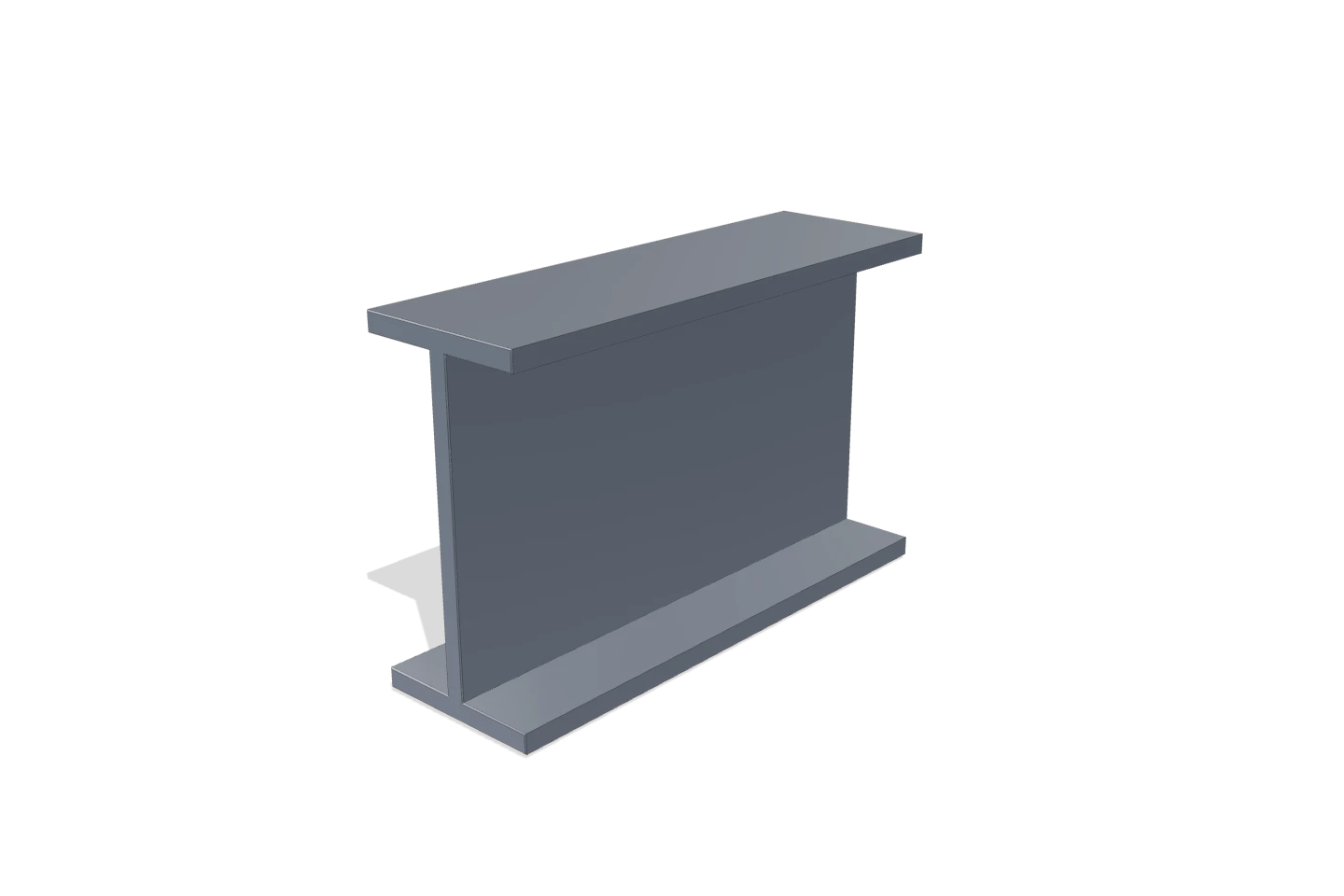
A profile isn't a mesh to hallucinate. It's a section swept along a line.
Generative 3D tools guess a shape and hope it looks right. That’s fine for a game asset — fatal for a product an engineer has to specify. A pultruded or extruded profile has a constant cross-section, so its render, its weight per metre and its full set of section properties are exact functions of that polygon.
Dimviz computes them with Green’s theorem straight from your geometry — the same math a structural engineer trusts — then extrudes the section into a real, depth-buffered 3D render with physically based materials. One source of truth, two deliverables: a picture your marketing team ships and a datasheet your engineering team signs.
Drag a dimension. Watch the geometry and the numbers move together.
DXF (LWPOLYLINE/CIRCLE) · CSV/XLSX with X,Y columns (blank row = new loop). DWG → export as DXF first.
EL 23,000 MPa · Pultruded FRP (E-glass / polyester)
| Area | A | 5472 | mm² |
| Mass / metre | m | 10.397(6.986 lb/ft) | kg/m |
| 2nd moment | Ix | 4.754e+7 | mm⁴ |
| 2nd moment | Iy | 3.487e+6 | mm⁴ |
| Section mod. | Sx | 396173 | mm³ |
| Section mod. | Sy | 58118 | mm³ |
| Gyration | rx | 93.21 | mm |
| Gyration | ry | 25.24 | mm |
| Torsion | J | 262656 | mm⁴ |
| Published catalogue weight: 8.40 kg/m · computed Δ 24% | |||
Derived exactly from the section polygon (Green’s theorem). Fillets excluded (<2% effect). Verify against certified data before release.
A game-asset mesh isn't a spec. A dimension-true render is.
- · Warped surface, wobbling polygons
- · No scale, no wall thickness, no datum
- · Fine for a game — garbage in a TDS
- · Sharp edges, 100% linear extrusion of your section
- · Auto h · w · t dimension lines that track the view
- · Built for product manuals & TDS compliance
Three inputs, one deterministic core, two assets.
Input the section
Drop a DXF, a CSV or an Excel sheet of X,Y coordinates — or pick a shape and dial standard EN/DIN or US sizes. The outline is read exactly. DWG? Export it to DXF first.
Deterministic reconstruction
The outline becomes a parametric section. Area, centroid, Ix/Iy, Sx/Sy, radii of gyration and weight per metre are computed — no model guessing, no drift.
Generate the assets
Export a hero 3D render and a dimensioned drawing as high-resolution PNG, plus a spec-sheet — consistent, on-brand and traceable back to the exact geometry you started with.
One tool. Two jobs it does well.
From CAD to a picture — and the numbers behind it
Skip firing up a full CAD-render pipeline for one section. Get an isometric, a dimensioned drawing and verified section properties in seconds.
Catalog images & datasheets, without the studio
Produce consistent product shots and spec sheets for an entire profile range from the dimensions you already have. Your catalog, one visual language.
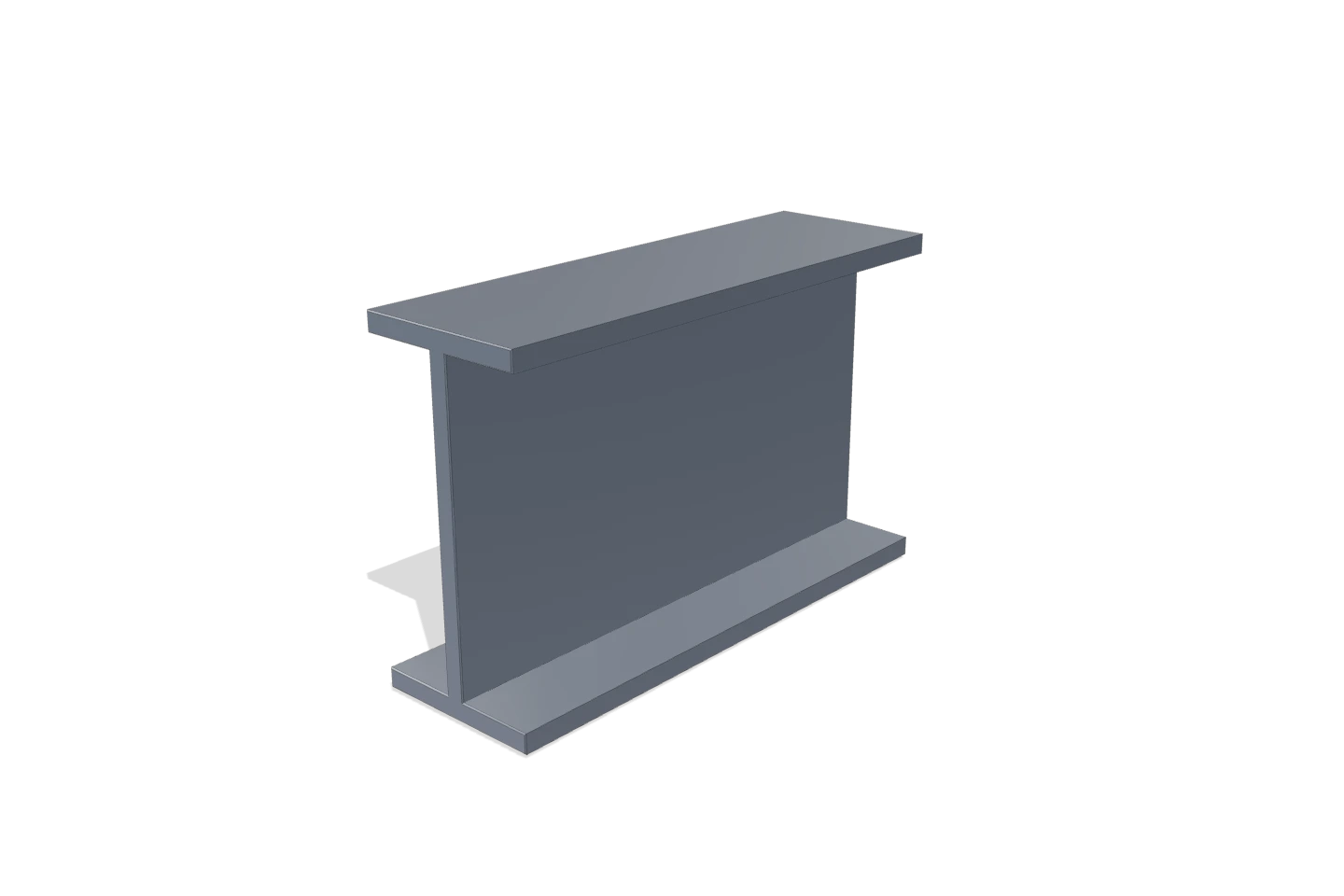
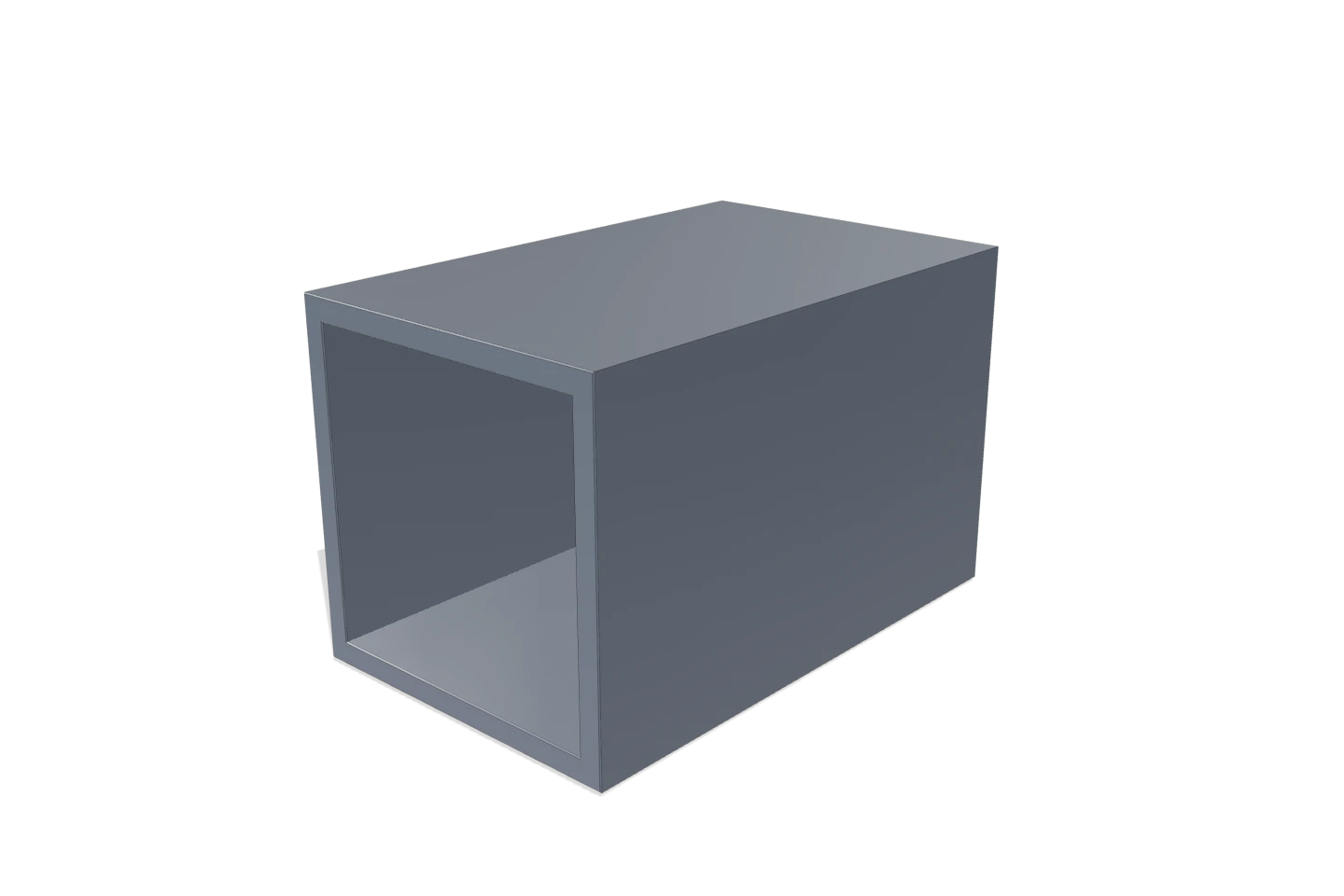
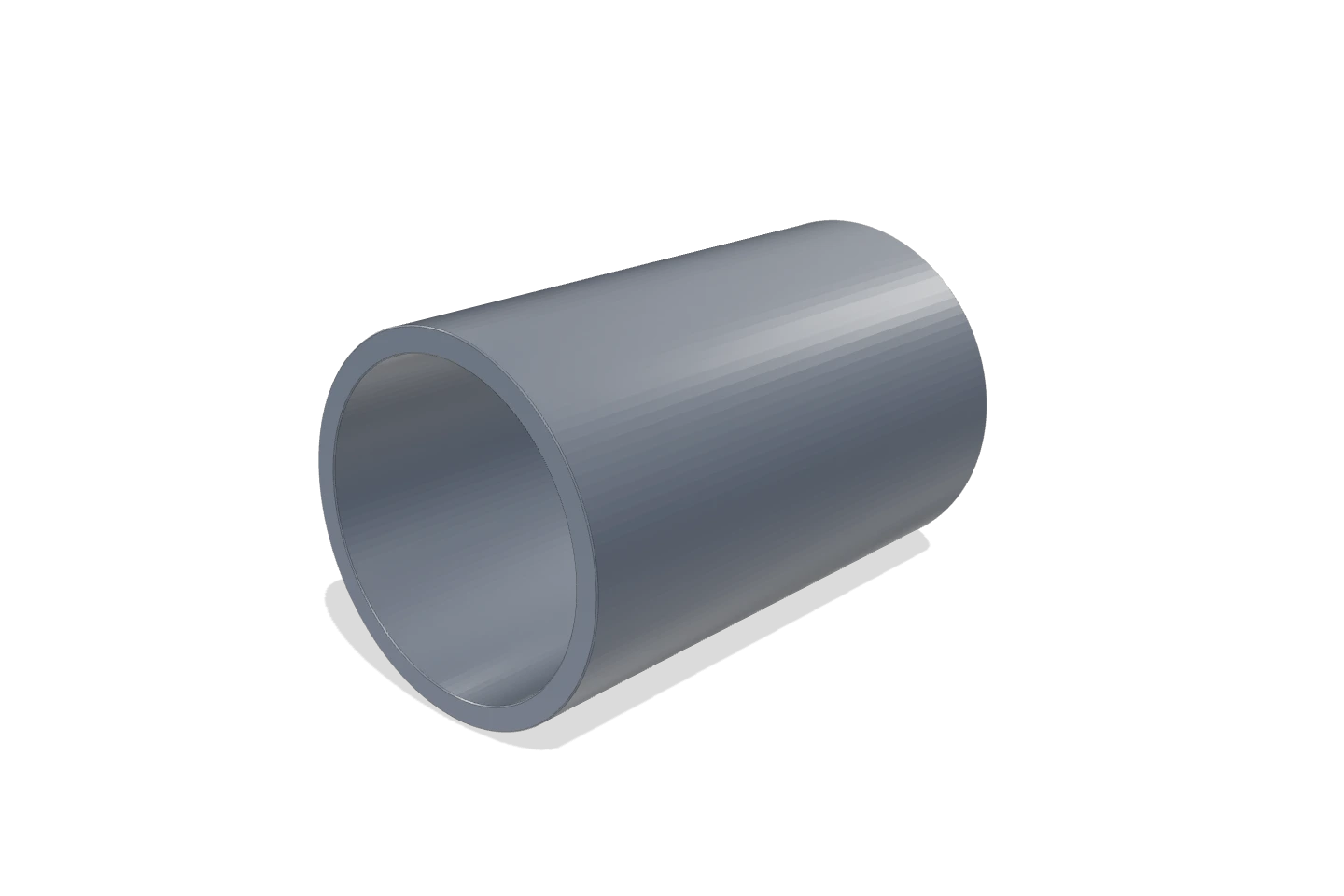
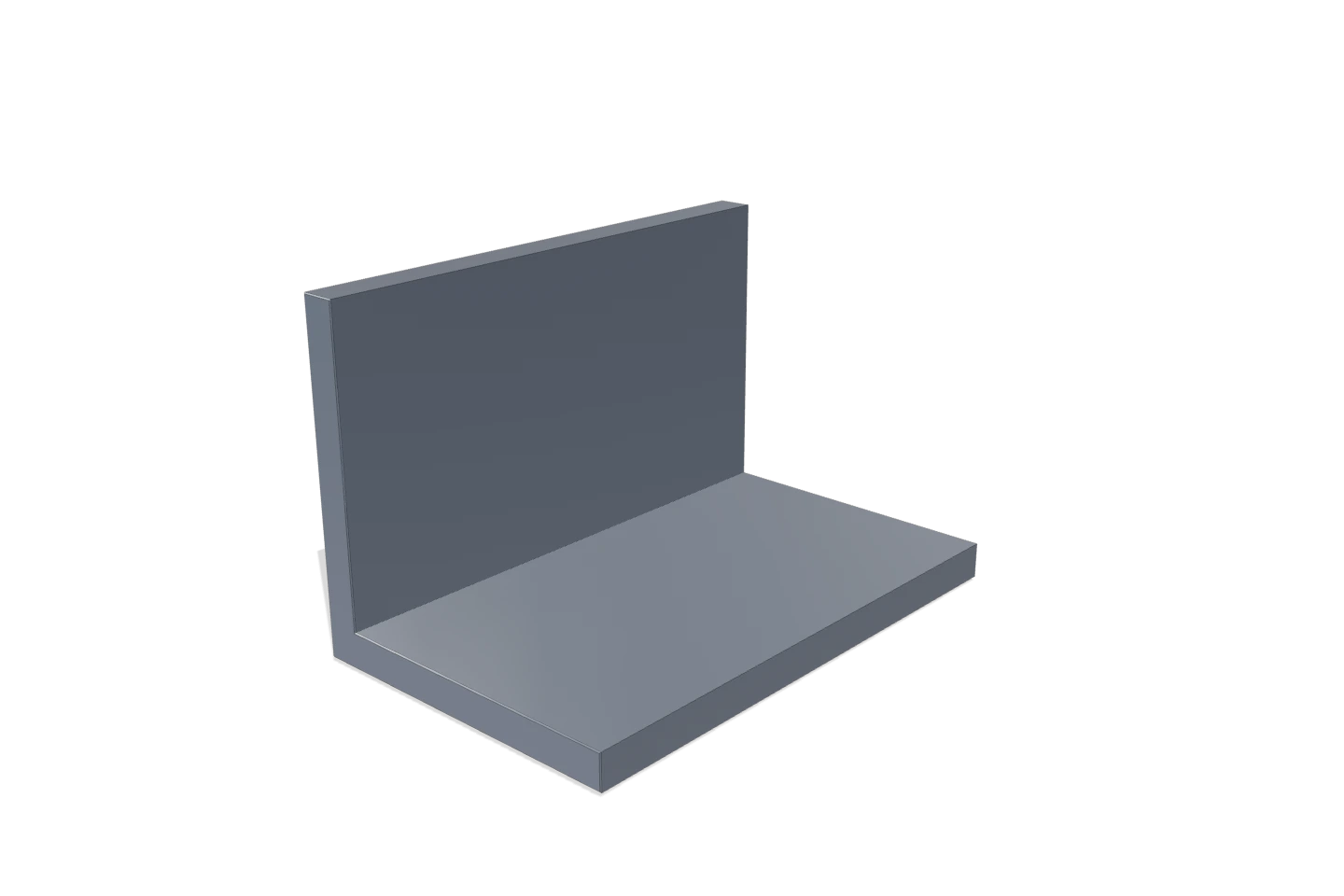
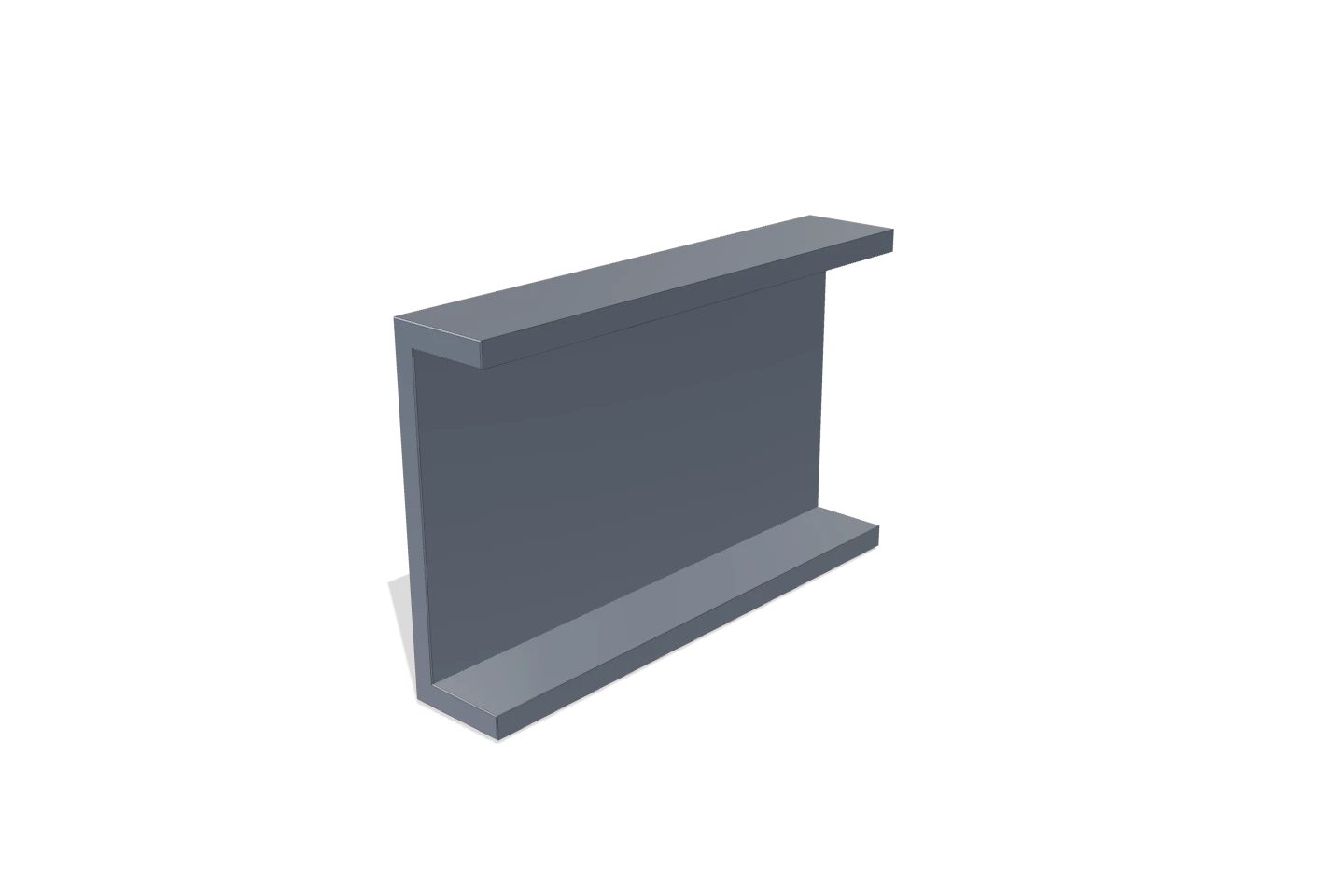
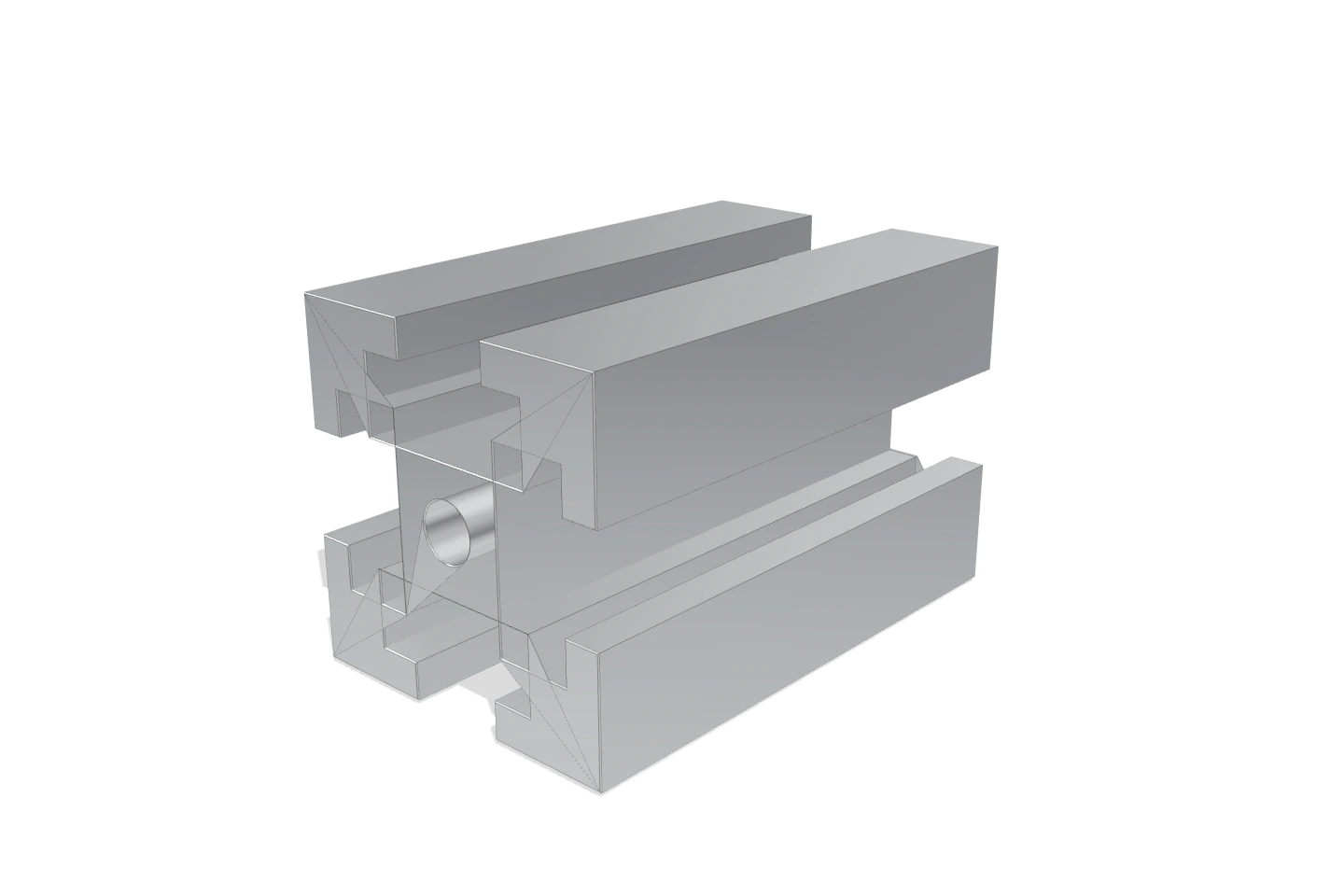
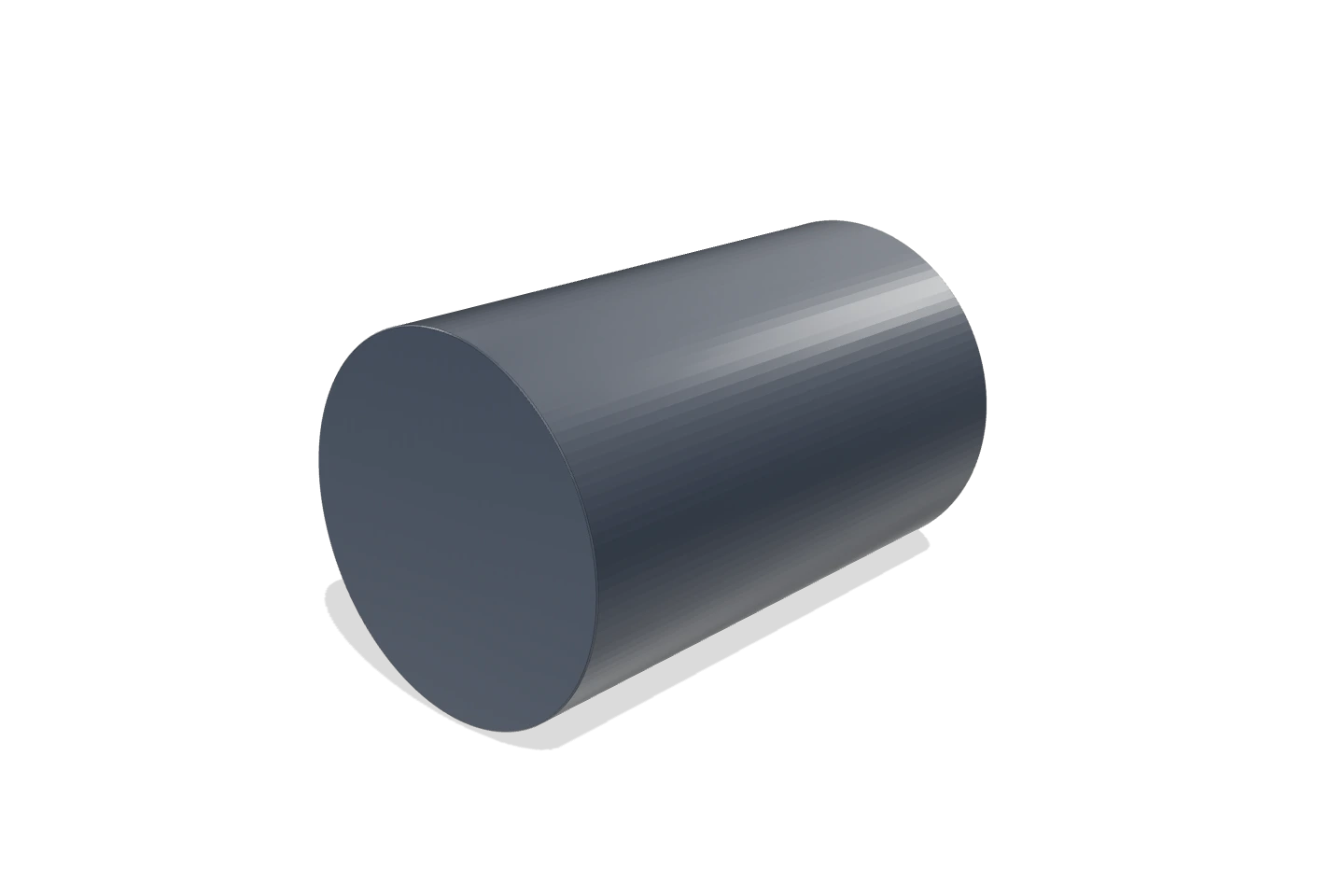
Every one of these was generated from its dimensions alone.
Straight answers
What does Dimviz actually do?+
It turns a profile’s cross-section — from a CAD file, a PDF drawing or a photo — into two things engineers and marketers both need: a clean product render and a verified engineering datasheet (area, weight per metre, moments of inertia, section moduli). Because a profile is a fixed section swept along a straight line, the geometry is computed exactly, not generated by a guessing model.
How is this different from KeyShot, Blender or an AI 3D generator?+
General renderers make a picture; AI 3D tools hallucinate a mesh. Neither guarantees the result matches your real dimensions. Dimviz treats a profile as deterministic geometry — section × extrusion — so the render’s silhouette is your section and the datasheet numbers are exact. See Dimviz vs KeyShot.
Is the render dimension-accurate?+
The annotated dimensions and computed section properties are 100% true to the geometry you input. For photo input we reconstruct the outline and calibrate to one baseline dimension you confirm — a perspective-corrected reconstruction, not a claim of sub-millimetre precision from a phone photo.
Which profiles are supported?+
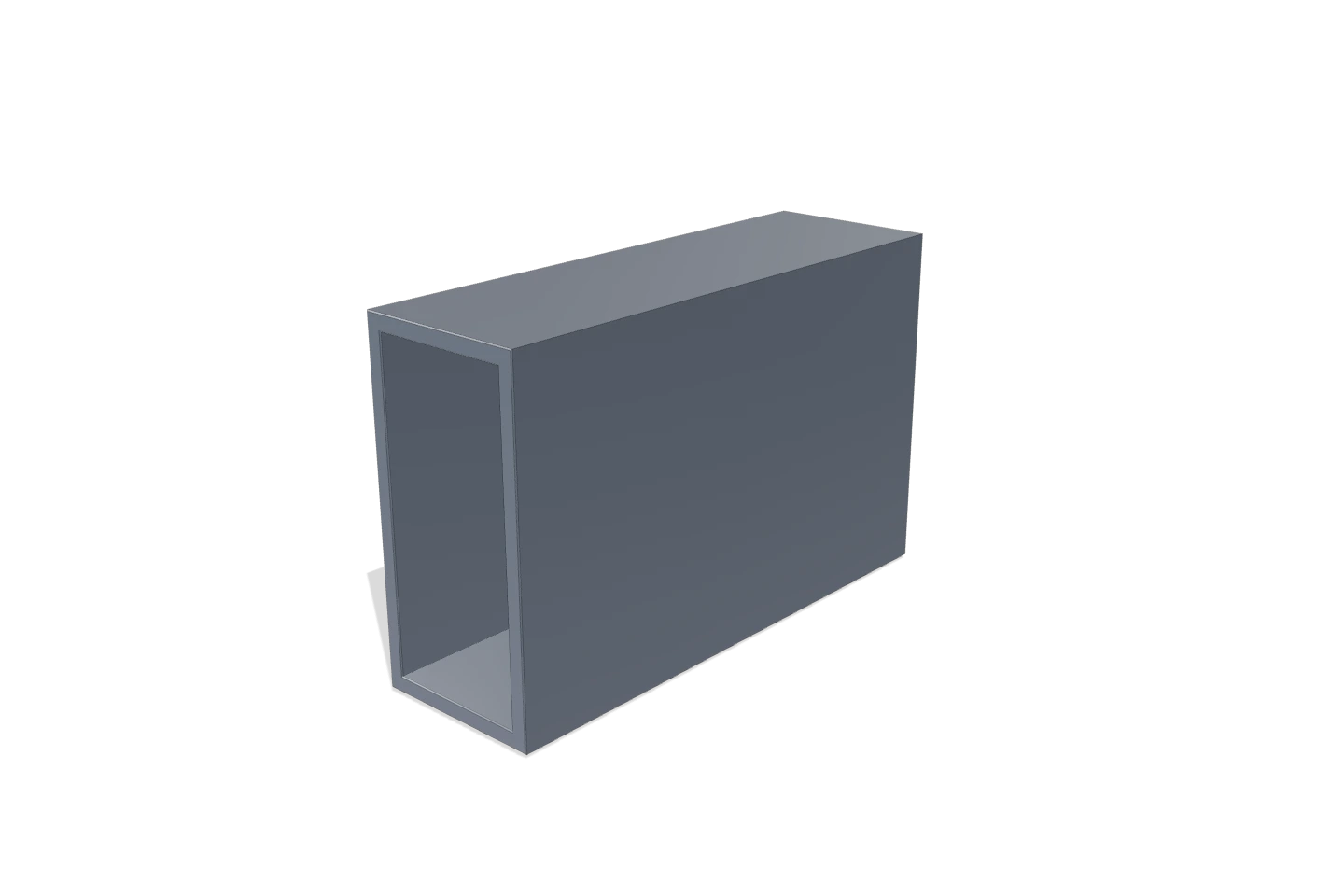
I-beams, channels, angles, square and rectangular hollow sections, round tube and rod, flat bar and T-slot aluminium extrusions — in FRP/GRP, aluminium, steel and PU-FRP window materials. The live tool is seeded with real pultruded-FRP catalogue sections you can edit.
Generate your first dimension-true asset
Load a real pultruded section, edit a dimension, and export a render and datasheet in under a minute.